The Granola alternative

Like Granola, plus your Plaud

Works with your Plaud, in the room and on phone calls.

Kasset writes your meeting notes from your own computer, like Granola, so nobody joins the call. It also brings in your Plaud, for the room and phone calls, and never uses what you say to train a model.

Learn more
Only on Kasset

Bring your Plaud

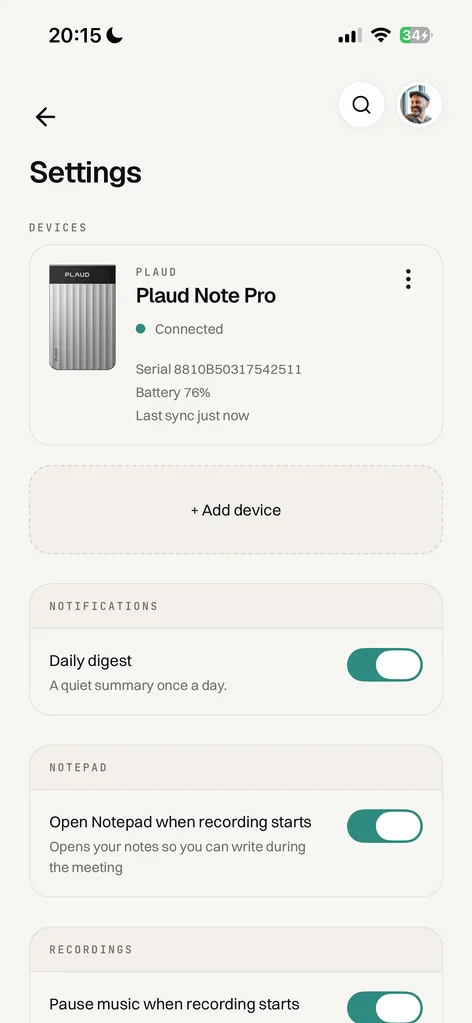
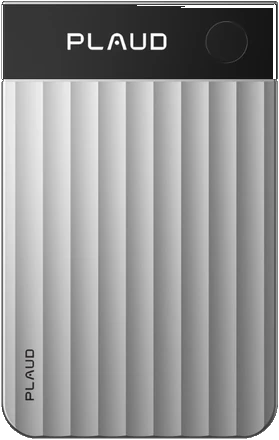
Plaud Note Pro and NotePin S, on Kasset Pro.

Granola does not connect to a recorder; its own blog calls Plaud a separate product. Kasset connects to the device itself.

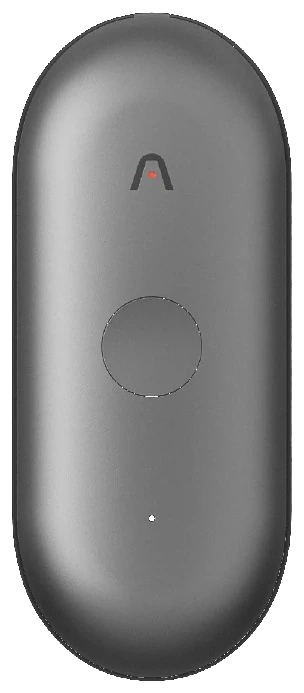
  • Meetings in the room Clip on a NotePin S or set a Note Pro on the table, and the client visit gets the same notes as your calls.
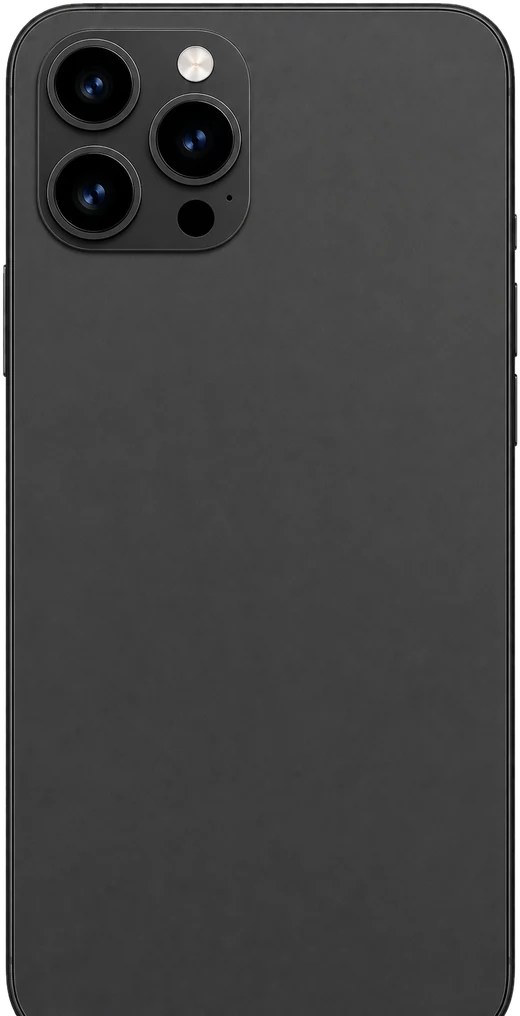
  • Phone calls Snap the Note Pro onto the back of your phone and it records both sides of the call for Kasset to write up.
  • No Plaud subscription Kasset takes recordings straight from the device and transcribes them. A yearly Pro plan includes the device.
Kasset with Plaud
Side by side

Kasset vs Granola

You picked Granola because nobody sees a bot. Kasset keeps that, and adds the conversations you have away from your computer.

 
Kasset
Granola
Plaud recorder
Connects to the device, on Pro
No Plaud connection
Bot in the call
None, records from your computer
Training on your meetings
Never
Anonymised data, unless you opt out
Participants told
Email to invitees, on by default
Chat message or video label, if enabled
Conversations in person
Phone, or a Plaud on Pro
Phone app
What changes when you switch

Same quiet notes, more of your day

Kasset adds the conversations you have in the room or on a phone call, through your Plaud, and puts them in the same library as your calls: one memory you can ask, in Kasset or from Claude and ChatGPT.

Quiet in the call, upfront before it

No bot, and nobody surprised

A note taker nobody sees is only polite if people know about it. Kasset emails everyone on the invitation up to 30 minutes before the meeting, and anyone who would rather not be recorded can reply to you before it starts.

On by default, for every calendar meeting.

A few useful answers

Questions?

What is the best Granola alternative if you have a Plaud? +
Kasset. It records from your computer with no bot, like Granola, and it also connects to a Plaud Note Pro or NotePin S, so conversations in the room and, with the Note Pro, phone calls land next to your calls. It never trains a model on any of it.
Does Granola work with a Plaud recorder? +
No. Granola records on your computer and phone, and its blog describes the Plaud Note Pro as a third-party product that works independently of Granola. Kasset connects to a Plaud Note Pro or NotePin S directly, so conversations in the room and, with the Note Pro, phone calls become Kasset notes.
Does Granola train AI on my meetings? +
Granola's security page says it trains on anonymised customer data, and that you can opt out in Settings; its privacy policy says Enterprise workspaces are opted out by default. Kasset never uses your conversations to train or fine-tune a model, on any plan.
Is Kasset bot-free like Granola? +
Yes. Kasset records Meet, Teams and Zoom from your own computer, so nobody joins the call. Instead of hoping someone mentions it, Kasset emails the invitees before the meeting to say it will be recorded, by default.
Can I use Kasset with a Plaud recorder instead of my phone? +
Yes, on Kasset Pro. Connect a Plaud Note Pro or NotePin S and the conversations you record in the room land next to your calls, with the same notes. Kasset with Plaud.
Which AI does Kasset use? +
ElevenLabs Scribe transcribes, and Anthropic's Claude writes the notes and answers Ask Kasset; members can pick GPT instead. None of them trains on your conversations. An administrator can keep a workspace on Mistral only. Where your data lives.
Can Claude and ChatGPT read my Kasset notes? +
Yes. Kasset runs a read-only MCP server, so Claude, ChatGPT and Copilot can search your conversations and answer from them. How it works.

Put it on kasset

Meetings, voice notes and real-world conversations, captured and ready when you need them.

Download